

Privy is your main account
Click Connect, then continue with Google or a supported wallet. Privy creates or restores the wallet connected to your Tickside identity. Use the same method next time to return to the same account. Your Privy account owns your Tickside session, username and access to the app. Connecting or switching a venue account does not replace your Privy identity.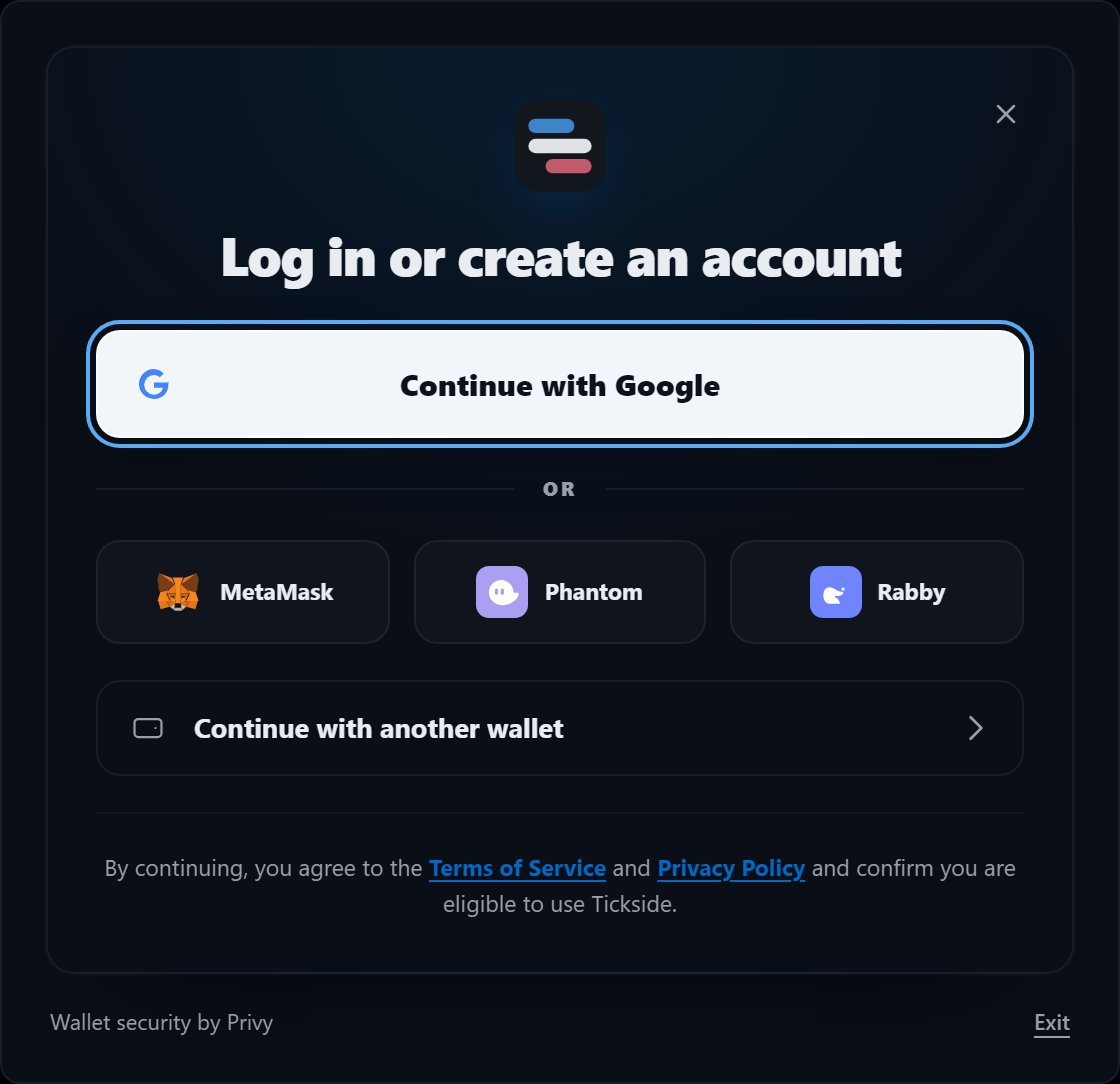
The sign-in card. Google, a supported wallet, or any other wallet through the last row.
1
Sign in
Choose Google, MetaMask, Phantom, Rabby or another supported wallet in the
Privy window.
2
Confirm your account
On your first visit, review the notices and accept the terms. Returning users
continue directly to the app.
3
Open Account
Choose the venue you want to use. Polymarket and Hyperliquid are connected
independently.
4
Connect and fund the venue
Follow the Polymarket or Hyperliquid guide. Adding funds is separate from
creating your Tickside account.
What Privy does
Privy provides login and the embedded wallet used as the default Tickside wallet. Tickside receives the public address and requests signatures through the Privy wallet provider. Tickside does not receive or store the private key for that wallet.What Tickside stores
Tickside stores the public account information needed to provide the service, such as your public wallet address, username and operational trading records. Tickside servers do not store your wallet private keys, API wallet private keys, account API secrets, seed phrases, recovery codes or encryption passphrases.Connect Polymarket
Use the default Tickside wallet or import an existing Polymarket account.
Connect Hyperliquid
Approve a separate trading key or connect an existing API wallet.